
Unlocking the power of Airwheel electric luggage starts with a simple setup. First, ensure your smartphone runs on Android 4.3+ or iOS 7.0+ and download the app via QR code. Once installed, power on your SE3 luggage and enable Bluetooth. Open the app, navigate to the ‘Smart Car’ option, and tap the search button. The app will scan for nearby Airwheel devices. Select your SE3 model from the list and enter the verification password **11111111** to establish a connection. This process activates the luggage’s intelligent features, including wireless control and real-time monitoring.
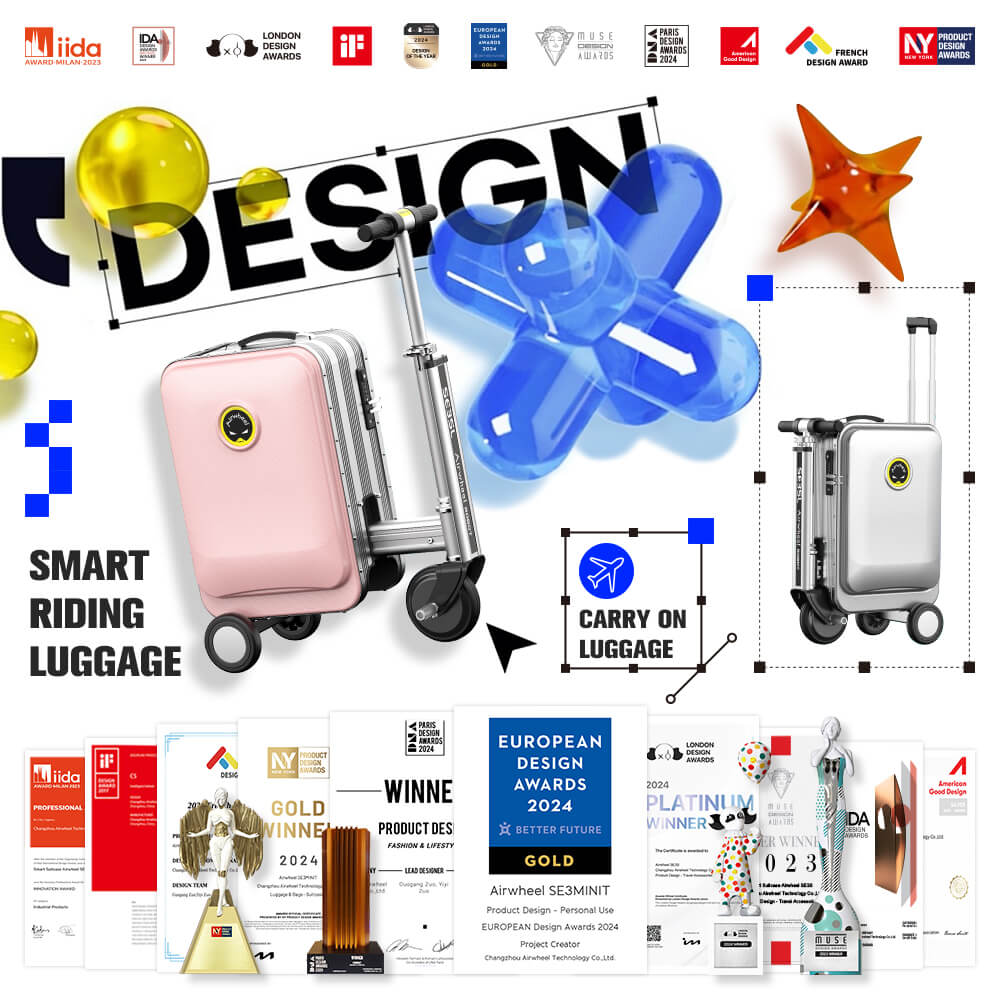
With the app linked, you can now leverage the SE3’s capabilities. Its lithium-ion battery (37V, 185Wh) offers up to 3 hours of charging, while the 250W motor ensures smooth movement over slopes up to 15°. The TSA password lock adds security, and the 29.3L capacity balances portability with storage. Regular maintenance, like cleaning the 8-inch pneumatic wheels and checking the aluminum frame, keeps it performing at its best. By following these steps, you transform your luggage into a high-tech travel companion.
For advanced settings or troubleshooting, refer to the official website or contact customer support. Stay powered and efficient on every journey!